Making the World Tiny: My Experiments with Tilt-Shift Photography
I’ve been having fun lately experimenting with tilt-shift focus to give photos that miniature, toy-like look. In case you’re new to it: tilt-shift in practice is any image with a strong horizontal band of sharp focus and pronounced blur toward the top and bottom (or blur radiating around the subject). That selective blur tricks the eye into reading the scene as a small scale model.
What I tried
Olympic photos — These were my favorite result. The tilt-shift effect cut through busy, distracting details and made the scene feel like a carefully arranged diorama.
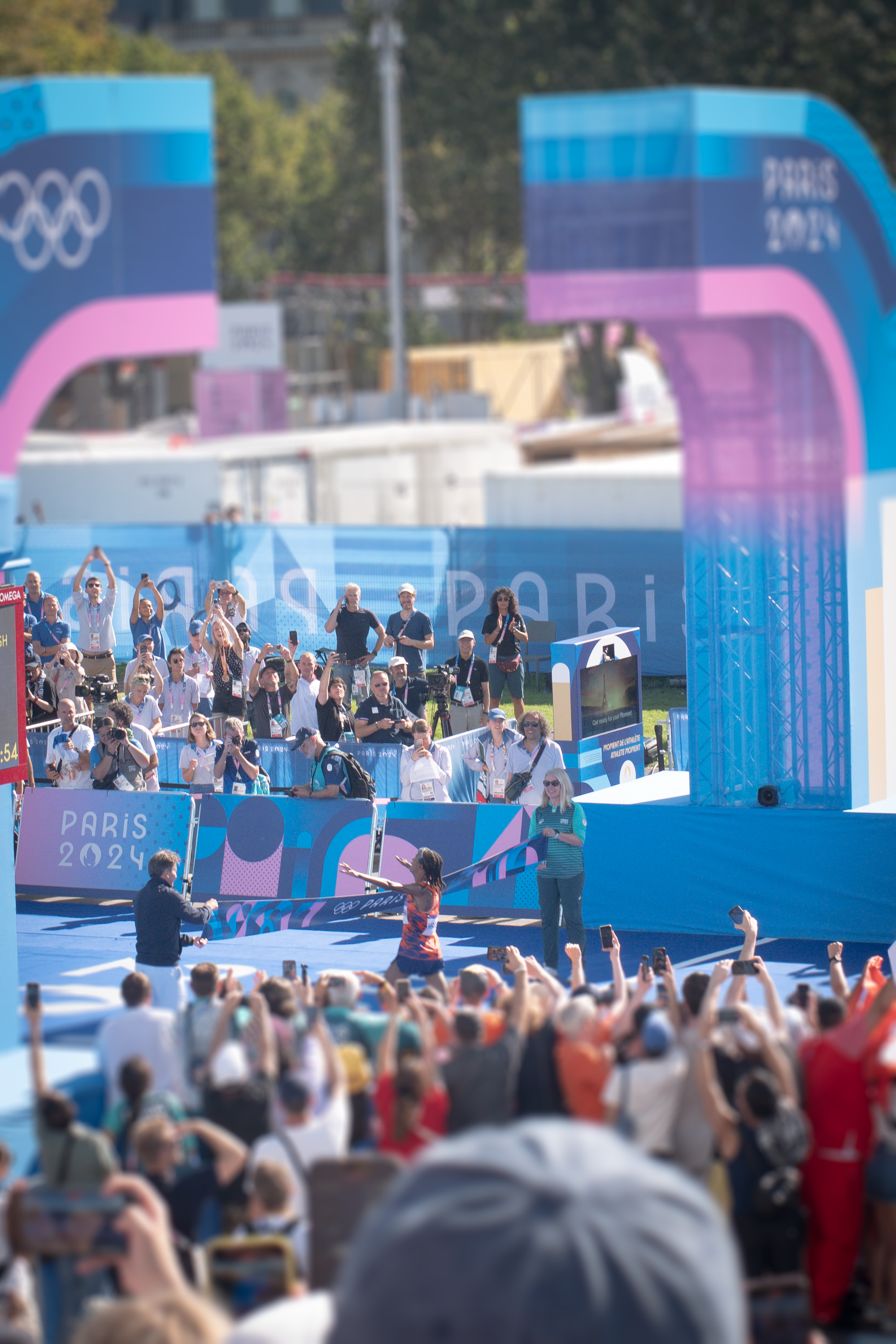
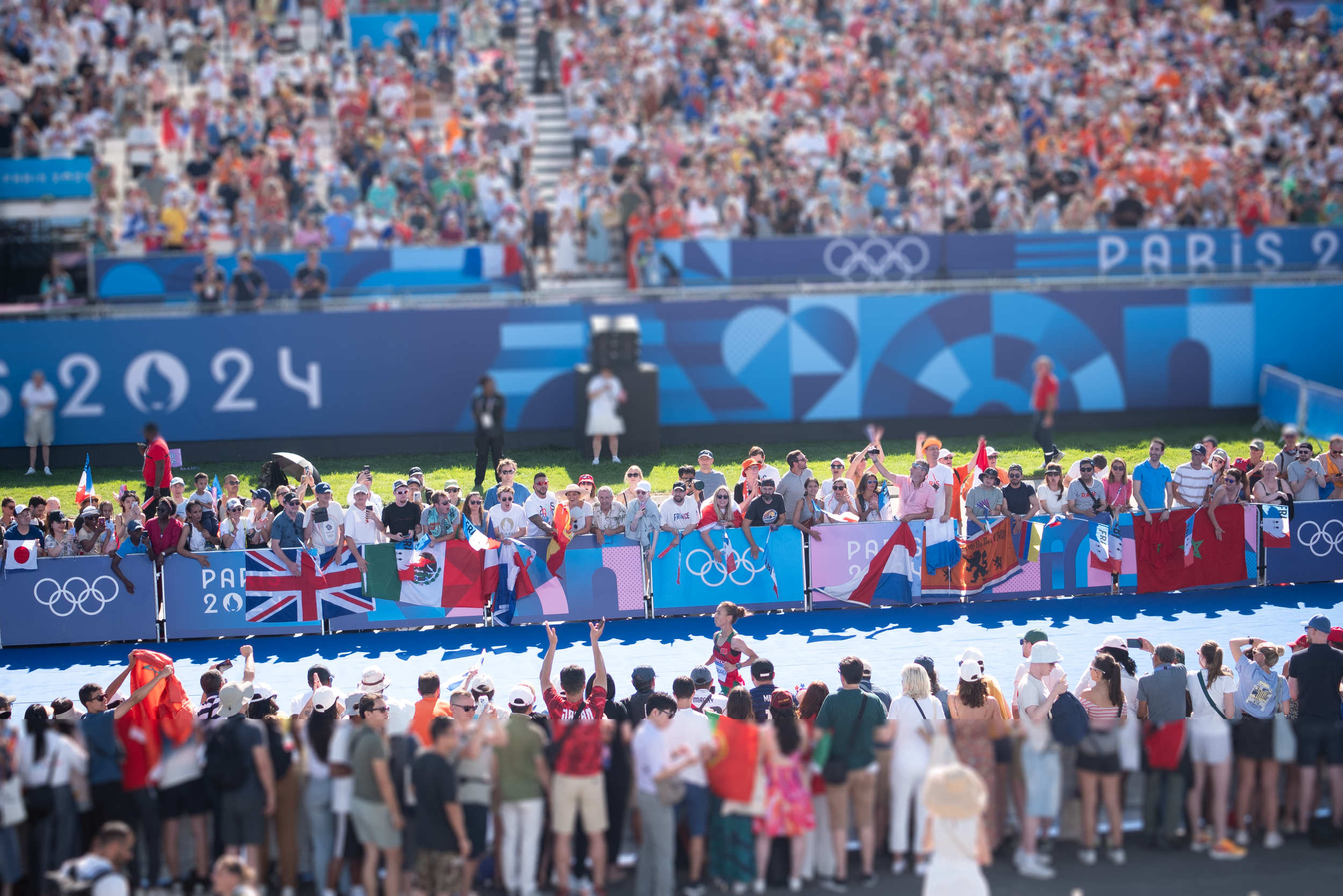
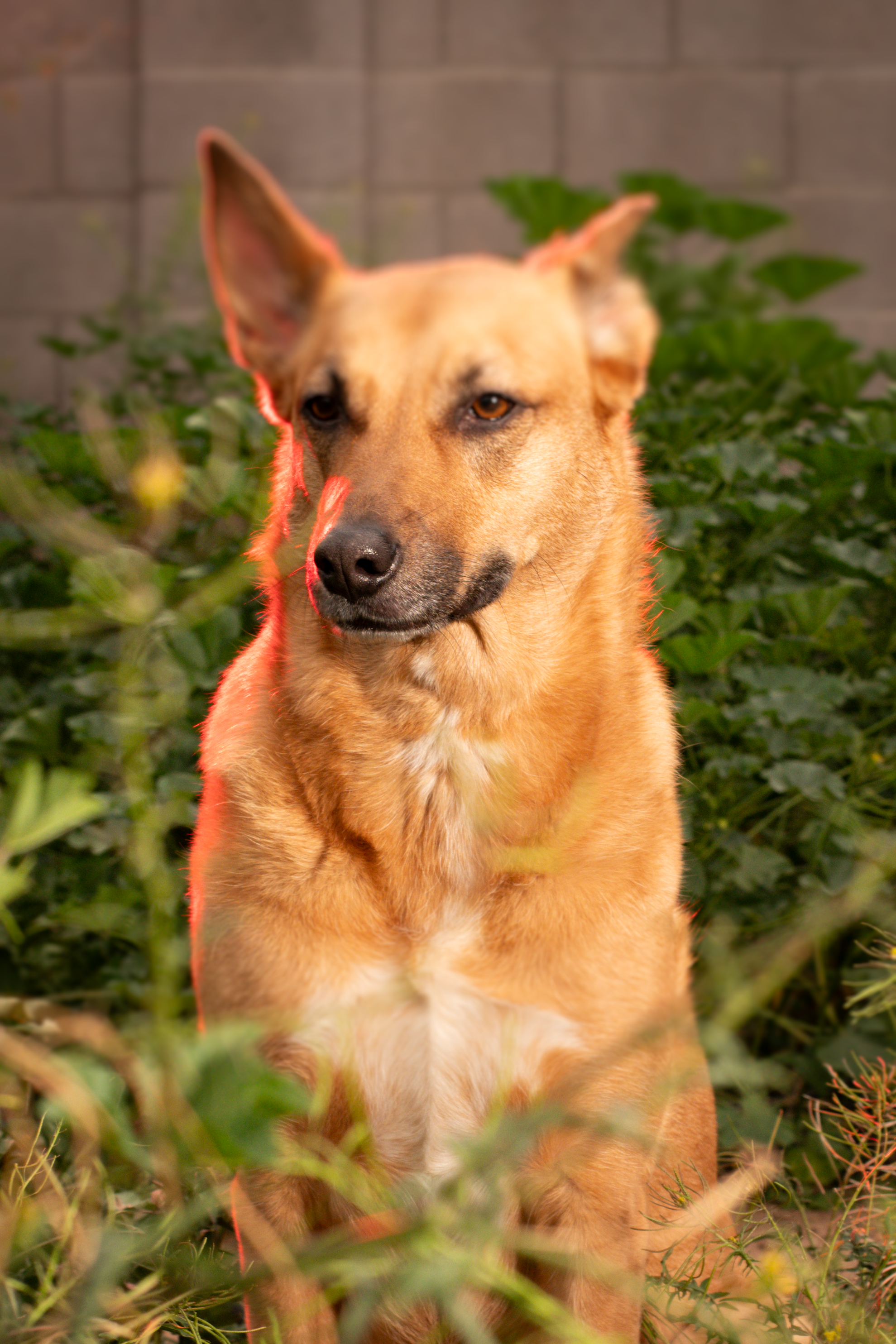
My dog Lucinda This one was tougher. Portraits of pets don’t always read as miniatures because of scale cues (texture, fur detail, familiar proportions). Lucinda didn’t convincingly look small, but it was a useful experiment.
American flag shots — My most recent flag images worked surprisingly well. The shapes and repetitive patterns are ideal for the toy-like look, and the tilt-shift made them feel like small crafted banners.

With Tilt-Shift

without tilt-shift
Why it works Tilt-shift simulates the shallow depth-of-field you get with macro photography. Our brains associate that depth-of-field with close-up shots of small objects, so applying it to larger scenes can create the illusion of scale reduction. Strong contrast, repetitive patterns, and elevated vantage points tend to sell the effect best.
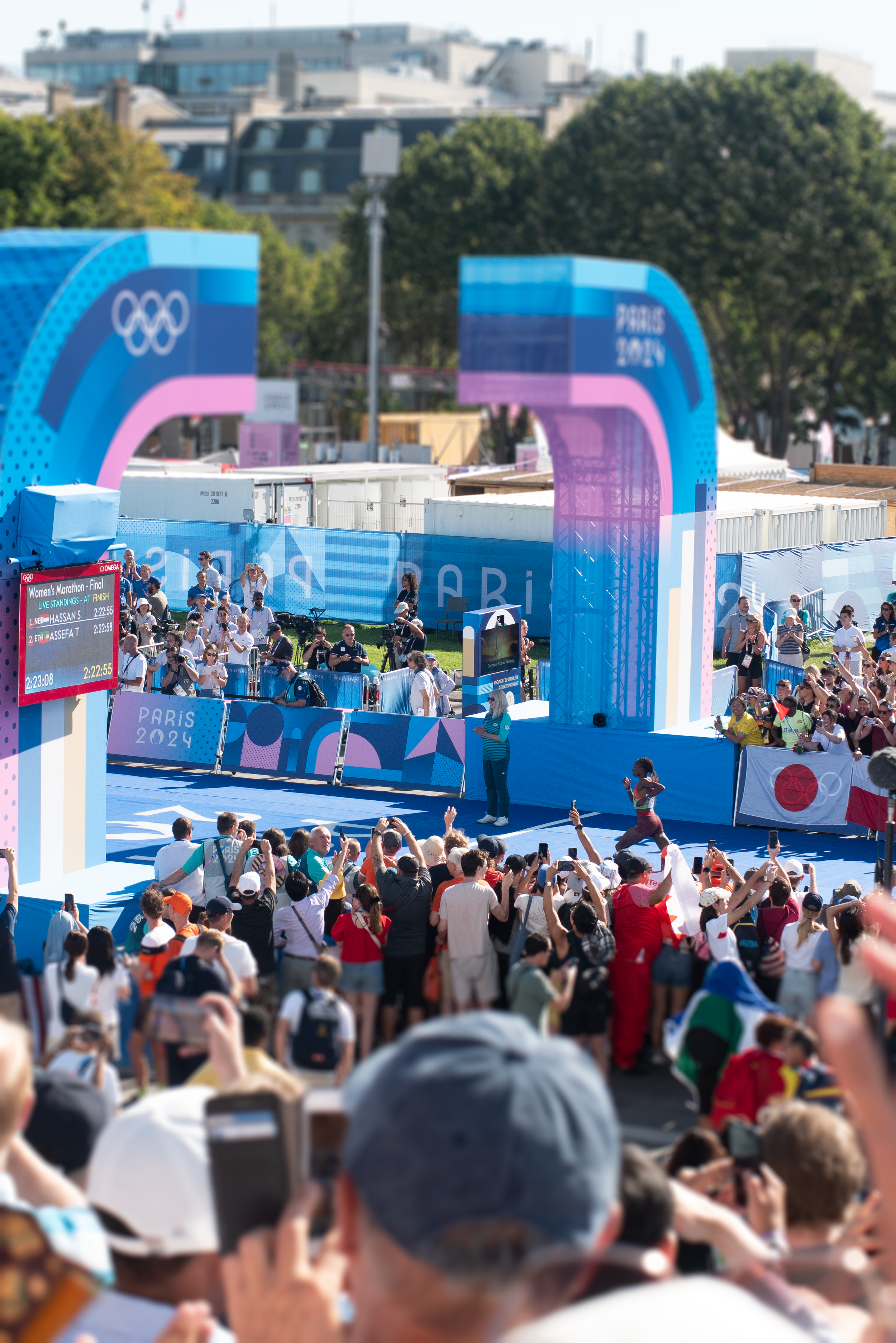
Here Tilt-Shift took a very distracting photo and kind of gave it focus.
Quick tips (Photoshop)
Use Filter > Blur Gallery > Tilt-Shift.
Place the focused band where you want attention; rotate and adjust the size to match your scene’s perspective.
Increase the blur and adjust the transition (fade) to make the effect more pronounced — subtle transitions look more natural, strong transitions read more toy-like.
Boost saturation and contrast slightly; miniatures often feel like painted models.
Avoid applying tilt-shift to close portraits or scenes with obvious life-sized cues (detailed faces, familiar textures) unless you’re experimenting intentionally.
Final thoughts Tilt-shift is an easy, playful tool to add to your editing kit. Some subjects — like architectural scenes, crowds, or patterned objects — work great. Others, like close-up pet portraits, may resist the illusion but still offer interesting results. I’ll definitely keep using tilt-shift intentionally when the scene suits the effect.
